


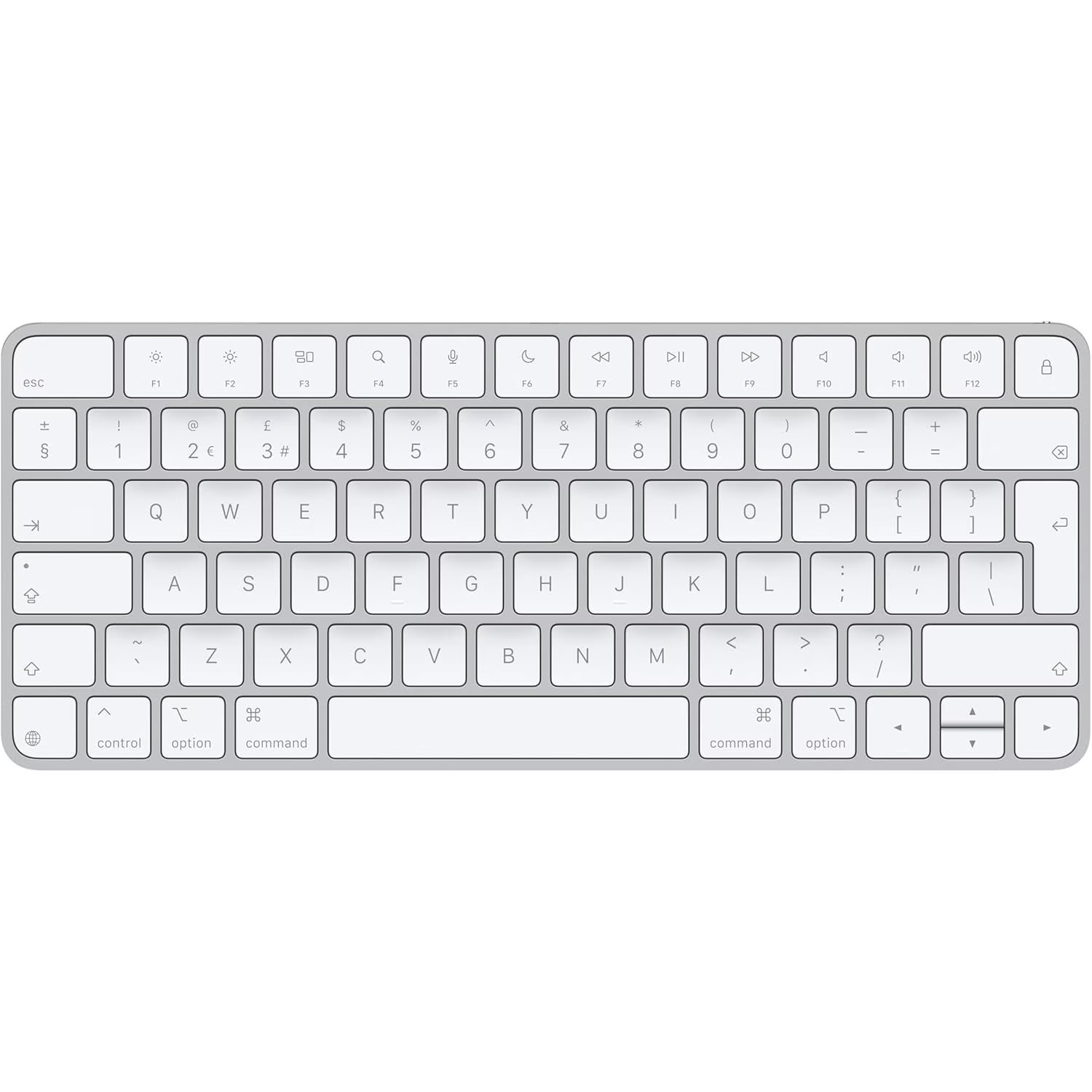
RAM and SSD misconceptions shape a surprising number of upgrade decisions, often nudging buyers toward spending on components that will not change daily performance. Shoppers frequently equate a bigger gigabyte number with a faster machine, when channel configuration, generation, and workload all play a part. Ebuyer‘s own product listings and storage advice offer a concrete way to test these assumptions against real specifications rather than marketing shorthand, and that is where clearing up Misconceptions genuinely starts.
RAM Upgrade Myths: Gigabytes Alone Don’t Equal Speed
A persistent belief holds that doubling memory capacity automatically doubles responsiveness. That is not how RAM behaves in practice. Speed depends on clock rating, channel configuration, and how well a chipset supports the modules fitted.
The ASUS ROG Strix G16 listed on Ebuyer pairs 16GB of DDR5-5200 RAM in a dual-channel 2 x 8GB configuration with a fast processor and dedicated graphics. That dual-channel layout matters as much as the total gigabyte figure, since it affects how quickly data moves between memory and processor. Buyers chasing a single larger module often miss this, assuming one stick of higher capacity performs the same as two smaller ones working together.
DDR5 Performance Claims: Separating Hype from Reality
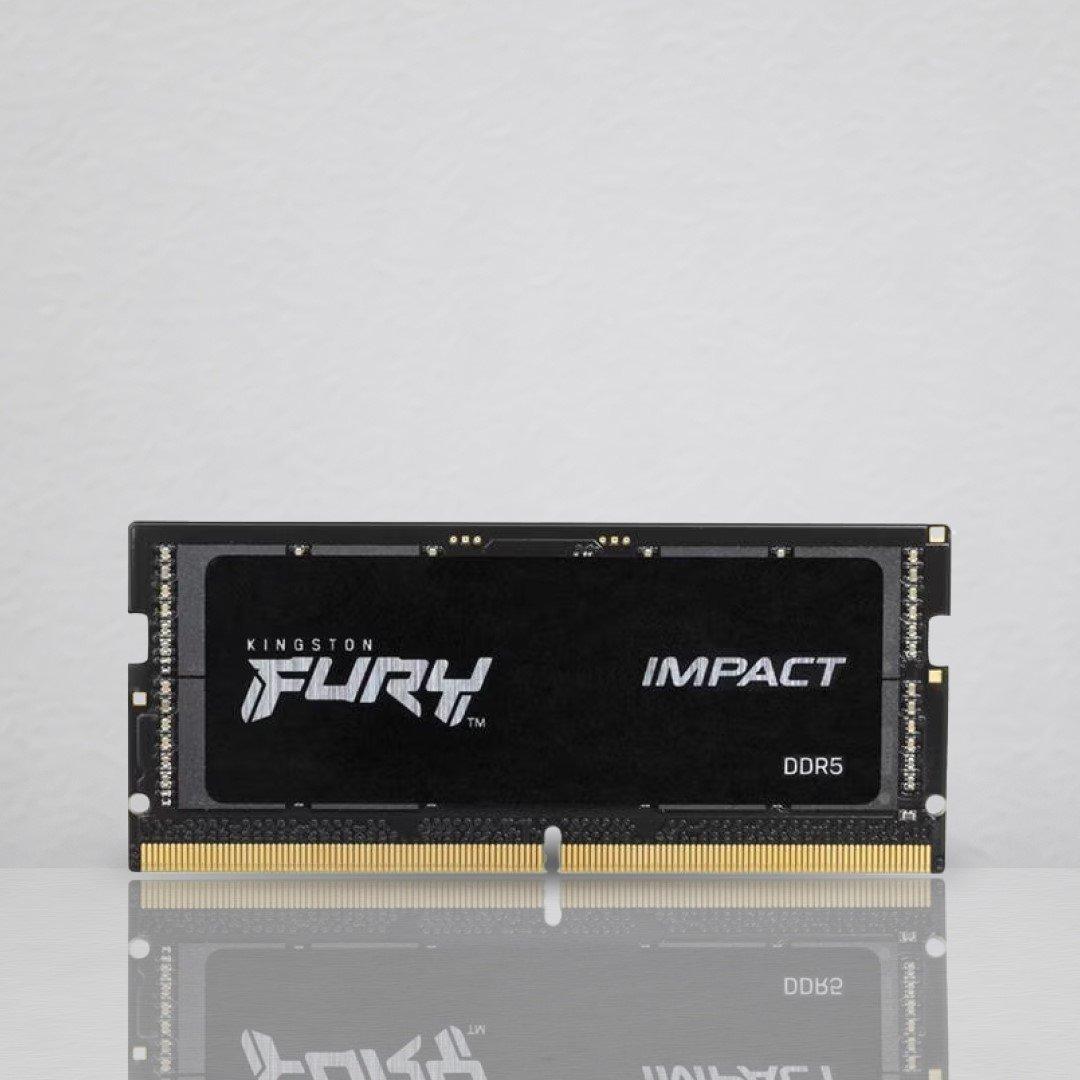
DDR5 gets marketed as a blanket upgrade over DDR4, as though every DDR5 configuration outperforms every DDR4 one by default. In reality, the benefit varies by speed rating and by how a given platform actually uses that memory. The ASUS TUF Gaming 16 runs 16GB of DDR5-5600 RAM, while the ROG Strix G16 runs DDR5-5200, a difference that reflects how a manufacturer tunes memory to a specific build rather than a single fixed standard.
Some systems, such as the ASUS ROG Zephyrus G14, use 16GB of LPDDR5X-7500 onboard memory instead of a user-replaceable module. That distinction matters because onboard memory cannot be swapped later, unlike the slotted RAM found in other gaming laptops stocked by Ebuyer. Assuming all DDR5-branded memory behaves identically ignores these practical differences between models, and it remains one of the more common RAM and SSD misconceptions buyers carry into a purchase.
SSD Speed Misconceptions: Why NVMe Isn’t Always Faster in Real Use

NVMe drives carry a reputation for being universally faster than any other storage type, yet the real-world gain depends on interface generation and how software actually accesses the drive. Several gaming laptops available through Ebuyer, including the TUF Gaming A18 and the ROG Strix G16, use PCIe 4.0 NVMe SSDs rather than older PCIe 3.0 variants. That generational detail affects transfer rates more than the simple fact of being NVMe at all.
Everyday tasks such as loading a game level or opening a document rarely use the full bandwidth an NVMe drive offers. As a result, the perceived gap between a well-specified SATA SSD and a PCIe 4.0 NVMe drive can be smaller than marketing suggests for typical use. This is one of the more persistent RAM and SSD misconceptions repeated across buying guides and forum threads alike.
Storage Capacity Myths: Matching Space to Actual Need
Buyers often default to the largest available storage option out of caution, even when actual usage patterns do not call for it. The gaming laptop range at Ebuyer shows that capacity choices already vary by intended purpose. The ASUS TUF Gaming 16, built around a Core i5 processor and RTX 5050 graphics, ships with a 512GB PCIe 4.0 NVMe SSD, while configurations such as the TUF Gaming A18 and ROG Strix G16 include a 1TB PCIe 4.0 NVMe SSD instead.
This pattern suggests capacity planning tends to follow the intended workload of a machine rather than a fixed rule applied across the board. A laptop paired with a particular processor and graphics combination may reasonably carry less storage than one built around a heavier pairing. Treating storage capacity as something that must always be maximised overlooks this kind of proportional matching between components, and it is a frequent source of Misconceptions among first-time upgraders.
Portable SSD Storage: Common Durability and Compatibility Misunderstandings

Portable SSDs attract their own share of misunderstandings, particularly around durability and device compatibility. Buyers sometimes assume any portable drive works identically across laptops, consoles, and tablets without checking supported connections or file systems. These assumptions can lead to disappointment when a drive formatted for one operating system needs reformatting before it functions elsewhere.
The broader computing range at Ebuyer, spanning tablets and laptops from brands such as Apple and ASUS, shows how varied device ecosystems can be. Matching a portable drive’s connector type and formatting to the intended device is a practical step that often gets skipped. Durability claims also vary by product, so checking a specific drive’s build details before assuming rugged performance remains worthwhile rather than relying on a general assumption about portable storage.
Memory Supply Realities: Why Global Shortages Are Reshaping PC Builds
Rising memory prices have become a visible topic on the Ebuyer blog, including a post explaining what RAM price increases mean for buyers and a separate guide on spending wisely on storage. A further blog post tracks the latest RAM and SSD trends as they develop. Supply constraints affect component availability across laptops and desktops alike, not just standalone memory modules, which is context that gets lost in many RAM and SSD misconceptions.
Shortages can also shift how manufacturers configure new laptops, sometimes holding capacities steady while adjusting other specifications instead. Listings spanning gaming laptops from ASUS alongside tablets and smartphones from Apple reflect a market adapting to these pressures as they unfold. Staying aware of these supply realities helps explain why configurations change between product generations, and it also helps put lingering RAM and SSD misconceptions into proper context.
- Assuming a higher RAM gigabyte figure always means faster multitasking ignores the role of channel configuration and clock speed.
- Believing all DDR5 memory performs identically overlooks real differences between speed ratings like DDR5-5600 and DDR5-5200.
- Treating every NVMe SSD as dramatically faster in daily use ignores how PCIe generation and software access patterns affect real performance.
- Assuming maximum storage capacity is always necessary overlooks how capacity is often matched to a machine’s intended workload.
- Expecting any portable SSD to work identically across every device ignores differences in connectors and file system formatting.
- Overlooking current supply conditions can lead to misjudging whether a given RAM or SSD configuration is reasonably specified.
Reading actual specifications, rather than relying on general impressions, remains the most reliable way to clear up these assumptions.